Loading · Завантаження · Загрузка
Loading · Завантаження · Загрузка
Loading · Завантаження · Загрузка
 © Rockstar Games
By MiGeken · Updated 1 Nov 2026 · 6 min read
The release of Grand Theft Auto 6 will be one of the most anticipated events in the gaming industry. Millions of fans around the world will be eager to install the latest installment of the iconic series on their consoles and explore the game's open world. However, downloading a game of this scale can take considerable time. Installation time will depend primarily on internet connection speed and network conditions.
Since GTA 6 pre-load is scheduled to become available approximately a week before the official release, most players will have the opportunity to prepare their consoles in advance. However, those planning to download the game immediately before launch or a few hours before should estimate the time required in advance.
Let's figure out how long GTA 6 might take to download at different internet speeds, how to check your console's connection, and what steps can speed up the process.

It's impossible to predict the exact download time for Grand Theft Auto 6. The download time is affected by your internet connection, current download speed, and network congestion.
When using home Internet, it is important to consider two main indicators:
Actual connection speed may differ from that advertised by your provider. It is affected by the user's location, network infrastructure, equipment quality, and overall internet bandwidth usage.

According to preliminary data, installing GTA 6 may require approximately 210 GB of free space. This is quite a large amount of space, so even with a relatively fast internet connection, the download may take a considerable amount of time.
To estimate the waiting time, consider the game's size and internet connection speed. The faster the download speed, the less time it will take to download all the game files.
Calculations for a 210GB file provide an approximate idea of download times at various connection speeds. However, these values are theoretical and do not guarantee that the console will complete the download exactly within the specified time.
In practice, the result may differ for several reasons:
Therefore, when planning loading, it is better to allow for a small reserve of time, rather than relying solely on theoretical calculations.

Before downloading GTA 6 it's a good idea to test your actual internet connection speed. This will help you understand how quickly your console can access the necessary game files and estimate potential wait times.
You can check your connection directly through PlayStation 5 or Xbox Series X|S settings. Both consoles have built-in network diagnostic tools.
Xbox console owners can use the built-in network connection test. To do this:
After checking, the system will display key connection parameters, including download speed. This is the value you should use when estimating GTA 6 download time.
PlayStation 5 also provides the ability to check the quality of your internet connection through system settings.
To do this you need:
Once the test is complete, the console will display diagnostic results, including the estimated download speed.
The resulting metrics will help you determine how productive your current connection is and whether you need to change anything before installing the game.
If the test shows that the internet speed is lower than expected, there are several ways to improve the connection.
Connecting the console directly to the router with a network cable typically provides a more stable connection than Wi-Fi. This is especially useful when downloading large files, where a high and consistent data transfer rate is essential.
If connecting the console with a cable isn't possible, try placing it closer to the router. It's best to have as few physical obstacles between the devices as possible, as these could weaken the wireless signal.
Before installing GTA 6 we recommend stopping downloading updates and other games on all devices on your home network. This will allow you to devote most of your available bandwidth to downloading the game you want.
Watching high-definition videos, downloading large files, and other resource-intensive processes can create additional network load. It's recommended to limit such activities during the game installation.
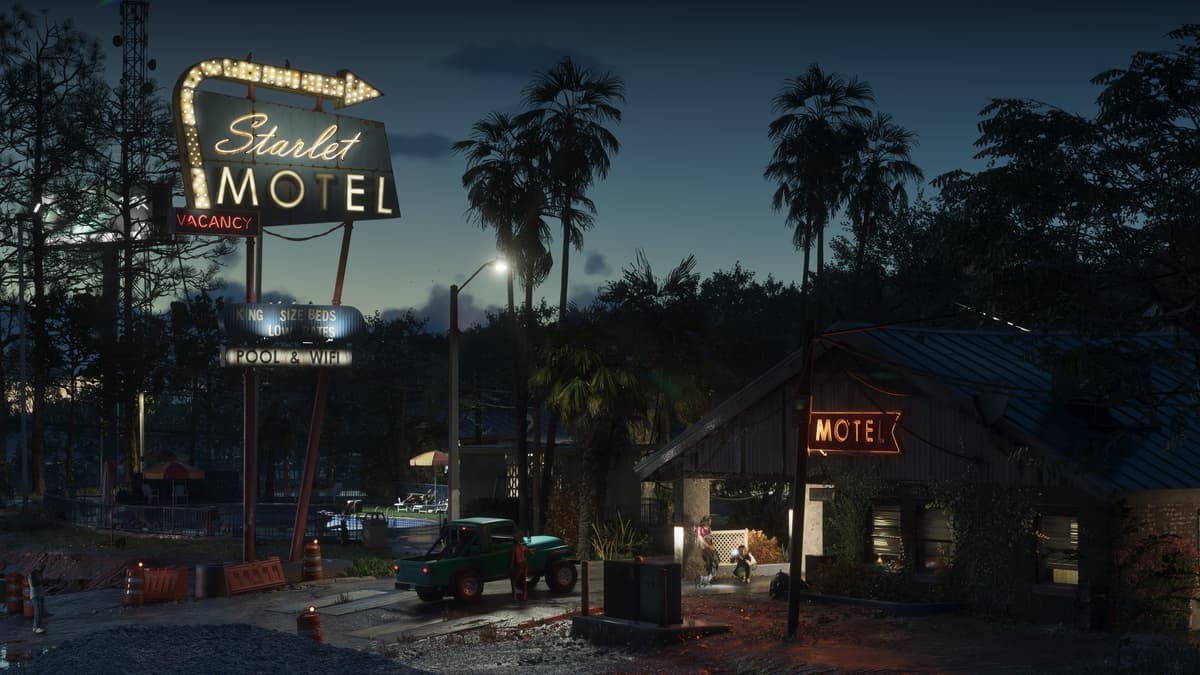
Given the game's expected size, pre-loading will be the most convenient solution for those who want to start playing immediately after the official release.
Waiting until the last minute won't guarantee instant installation, even with a good internet connection. Furthermore, during the mass launch, there may be additional load on the servers.
Therefore, it is best to check your internet speed in advance, make sure you have enough free space on your console, and take advantage of the pre-loading option when it becomes available.
Ultimately, GTA 6 download time will vary for each player. Some players will be able to download the game relatively quickly, while others will have to wait several hours or longer. Everything depends on your connection speed, home network conditions, and download conditions.
How long will it take you to download GTA 6 ? You can get a rough estimate right now by checking your internet connection speed on your PlayStation 5 or Xbox Series X|S .
Source: insider-gaming.com